acuxo

Take attendance.
Measure learning.
Just teach.

Two tools, one course dashboard. Check students in with a rotating QR code, or record your lecture and get a quiz built from what you actually taught. Students use their own phones and browsers. Nothing to install.

Works in Google Chrome. Nothing to install. Students never need an account.

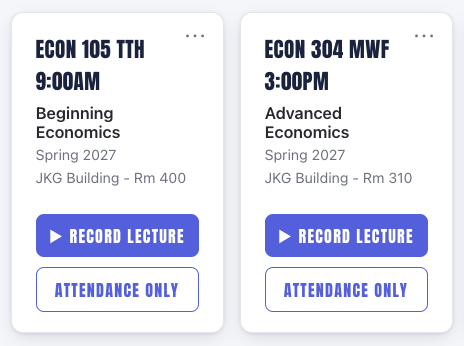
Course cards, each with a Record Lecture button and an Attendance Only button
Every course has both.

One dashboard. Two ways to teach.

Pick the one you need today.

Every course has both buttons. Use Attendance Only on a quiet day, or Record Lecture when you want to know what landed.

Attendance Only

Show the QR. Done.

Attendance with no recording and no quiz.

  1. Click Attendance Only
  2. The QR fills your screen and refreshes every 30 seconds
  3. Students scan, enter their ID, and they are checked in
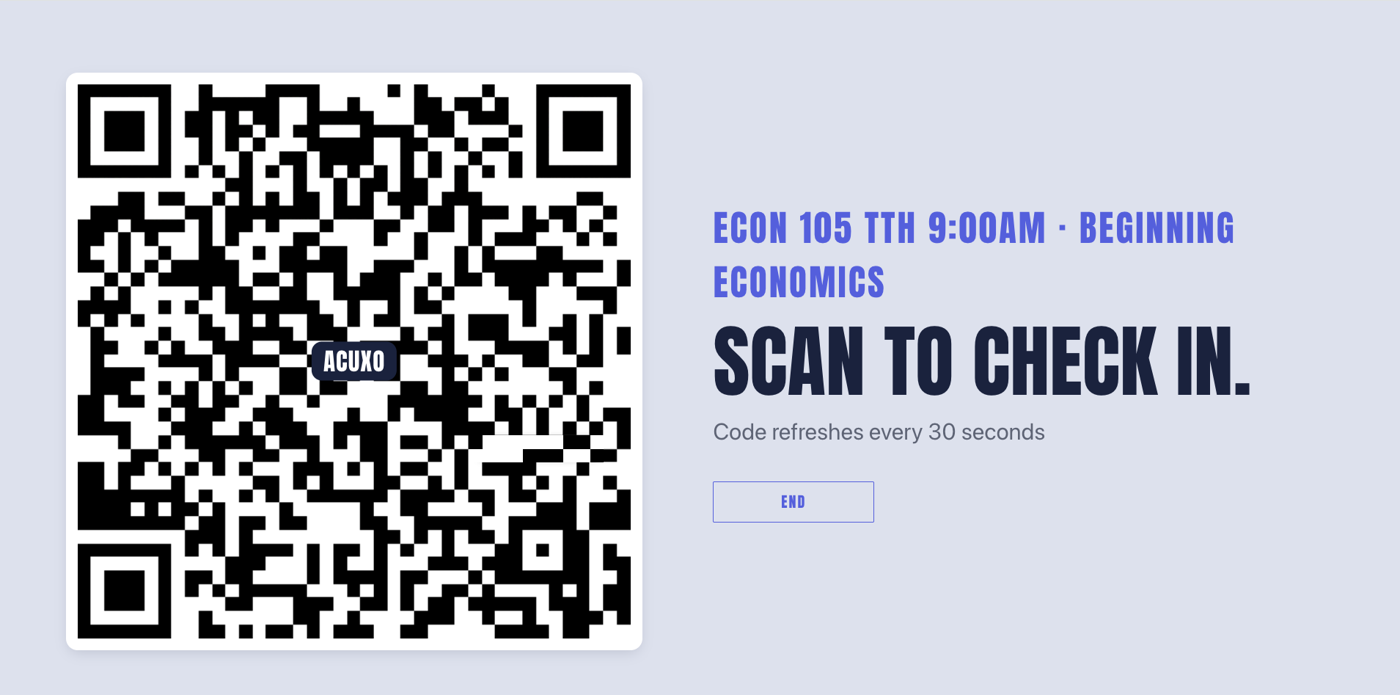
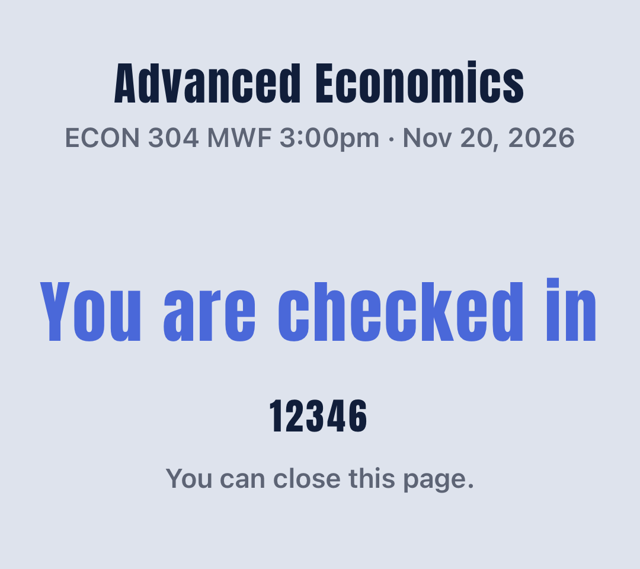
The full-screen attendance QR codeA phone showing You are checked in
No recordingNo quizNo student app

AI Lecture Assessment · the one nobody else has

Teach. Get a quiz.

acuxo listens while you teach and writes the assessment from what you actually said.

  1. Click Record Lecture and teach the way you always do
  2. Press Finish. Transcript, notes and quiz are ready in minutes
  3. Show the QR. Students answer on their own phones

You get: quiz results, attendance, lecture notes, a transcript and an answer key.
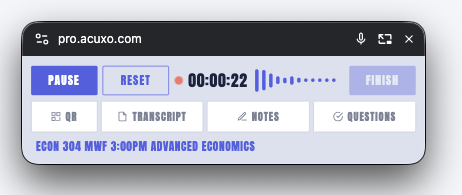
The small acuxo recording window

What your students do

Scan. Enter ID. Answer.

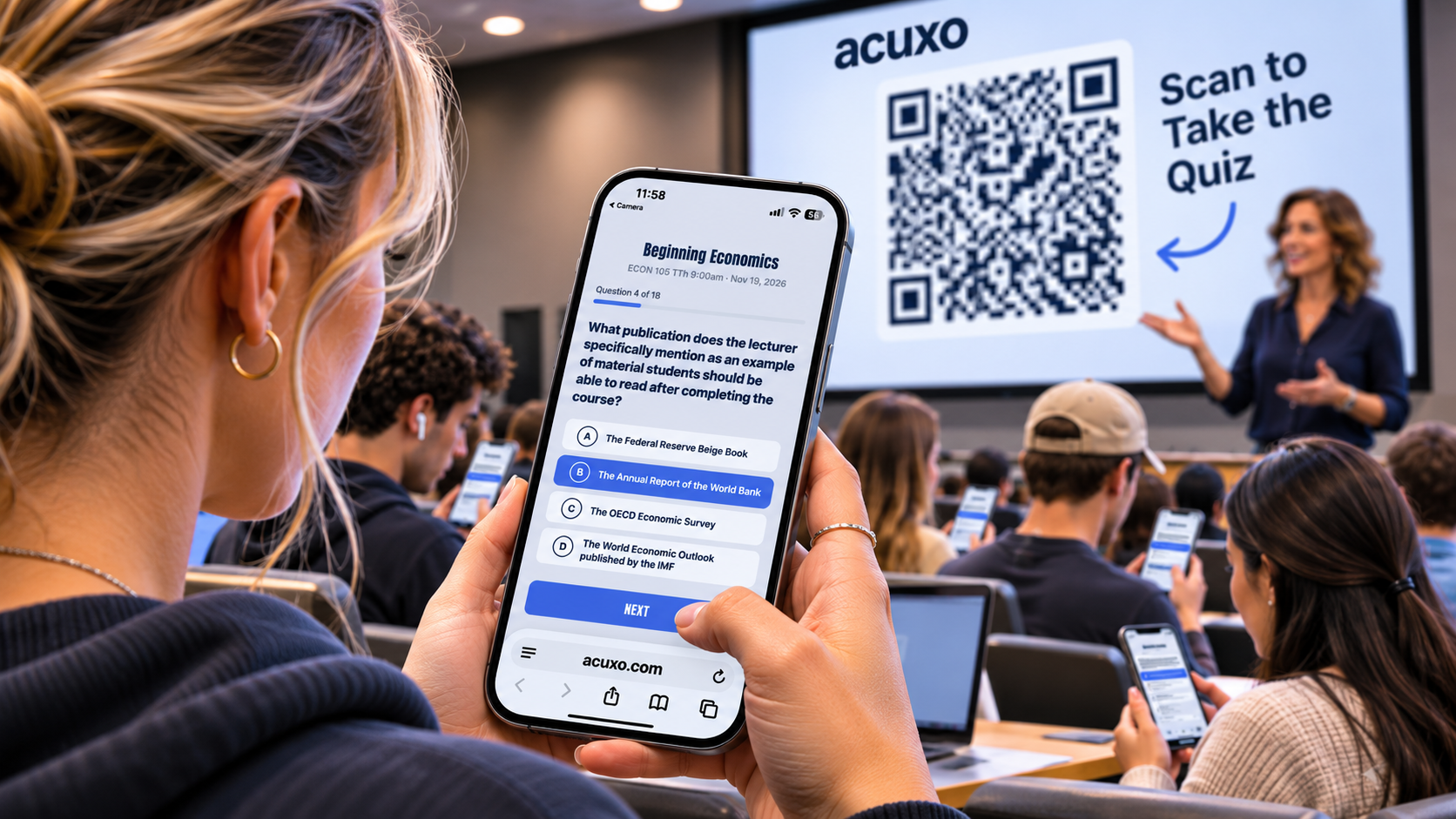
Students in a lecture hall scan the QR code on the projector screen and take the quiz on their phones.
Their own phoneAny phone with a camera. No app to download.
Their own browserThe QR opens a web page. Nothing to install.
No accountThey enter their student ID. That is all.

What lands in your dashboard

Attendance and learning, together.

The class dashboard showing attendance, average score and participation

Attendance Only

  • Who checked in, every session
  • Attendance percentage
  • CSV export

Record Lecture

  • Everything in Attendance
  • Quiz scores and participation
  • Notes, transcript, answer key

Who it is for

Two kinds of rooms. One tool.

If you talk for a while and then need to know what landed, acuxo fits.

Professors

Turn a lecture into a quiz without changing how you teach. Students use their own phones and a student ID.

  • Classes organized by semester, meeting time and room
  • Participation and scores for every session
  • Transcripts and notes to share with your class

Trainers and presenters

Check understanding at the end of onboarding, a workshop or a webinar, while everyone is still there.

  • Attendees enter an ID of your choosing, such as an employee number
  • See who answered and how they did
  • Transcript and notes become your follow-up

Privacy

Collects less, on purpose.

acuxo is designed around the principles of data minimization and access control that FERPA is built on.

  • One identifierStudents enter a student ID. acuxo does not collect names or email addresses, and there are no student accounts.
  • Scores and check-ins, not answersEach quiz result is stored as the ID, the class, the session and a score. Each check-in is stored as the ID, the class, the session and the date. Individual answers are not stored.
  • Encrypted IDsStudent IDs are encrypted before they are stored. Only the instructor who owns the class can see them.
  • AI sees the lecture onlyLecture audio and transcripts go to AI services to produce your transcript, notes and quiz. Student IDs and scores never do. Attendance Only uses no AI at all.

Questions about security or privacy? Write to info@acuxo.com.

Try it in a real room.

Ask for early access and we will set you up.

Or write to info@acuxo.com